Capture any page element as a polished PNG.

DOMShot lets you select a visible DOM element, preview the result, adjust the canvas, and export a clean image without uploading your page anywhere.

Local preview No account PNG export
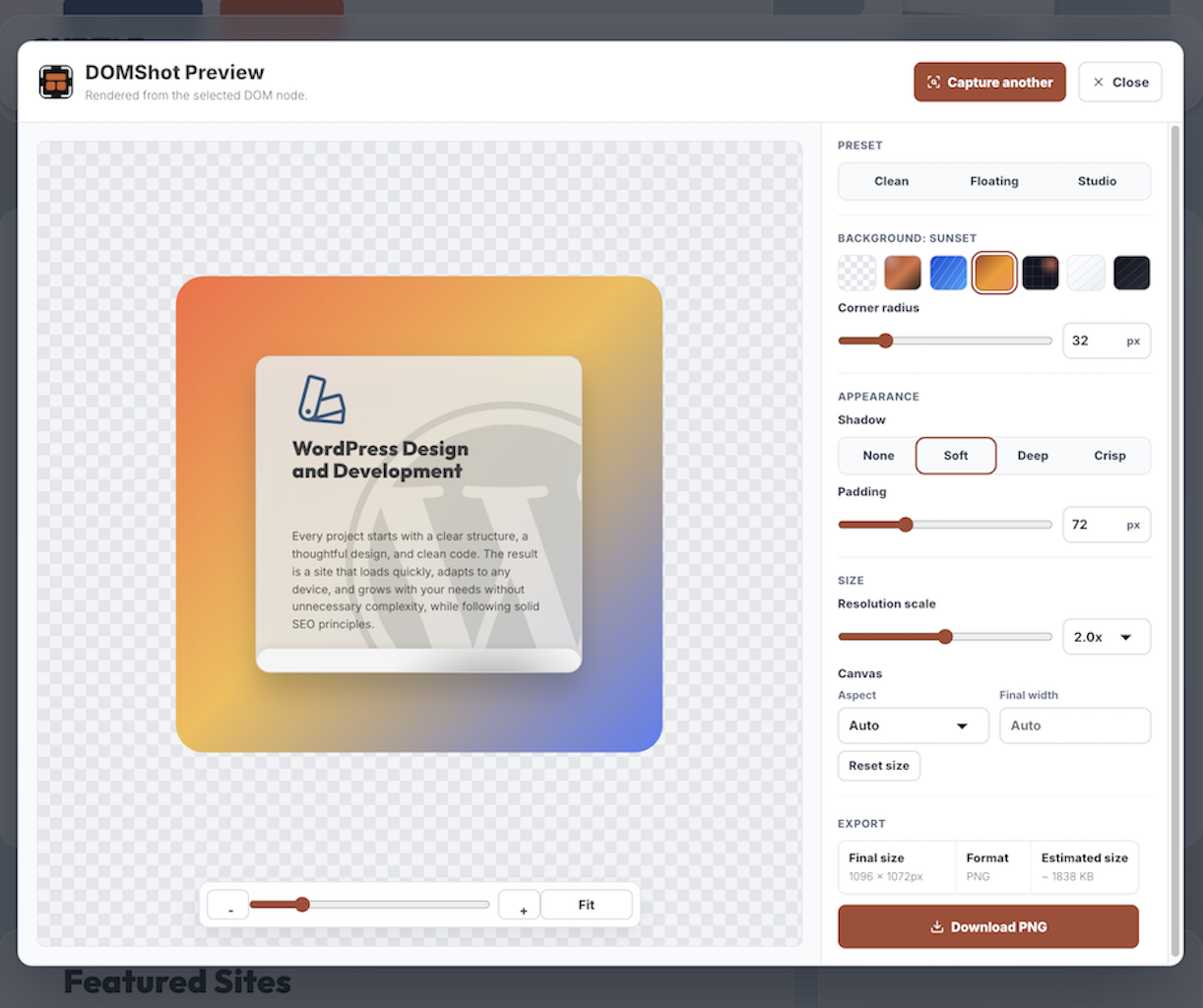
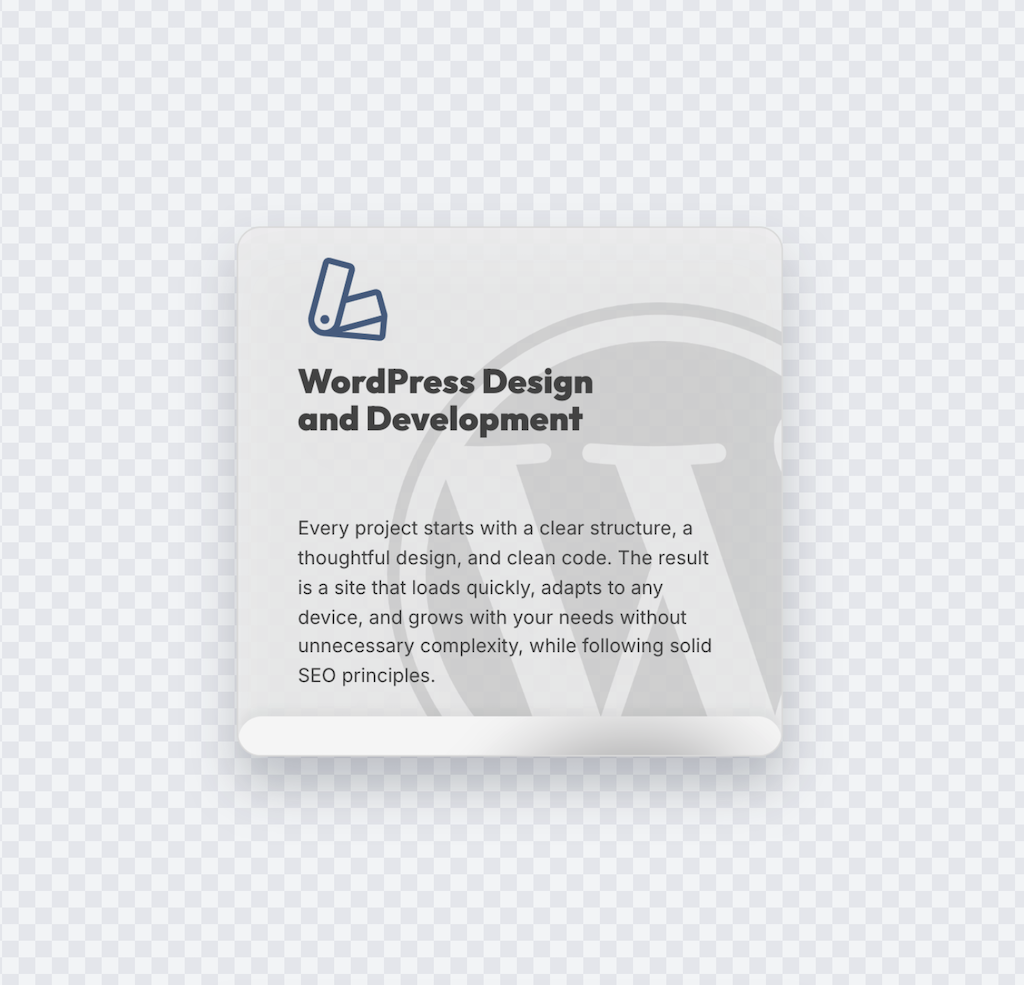
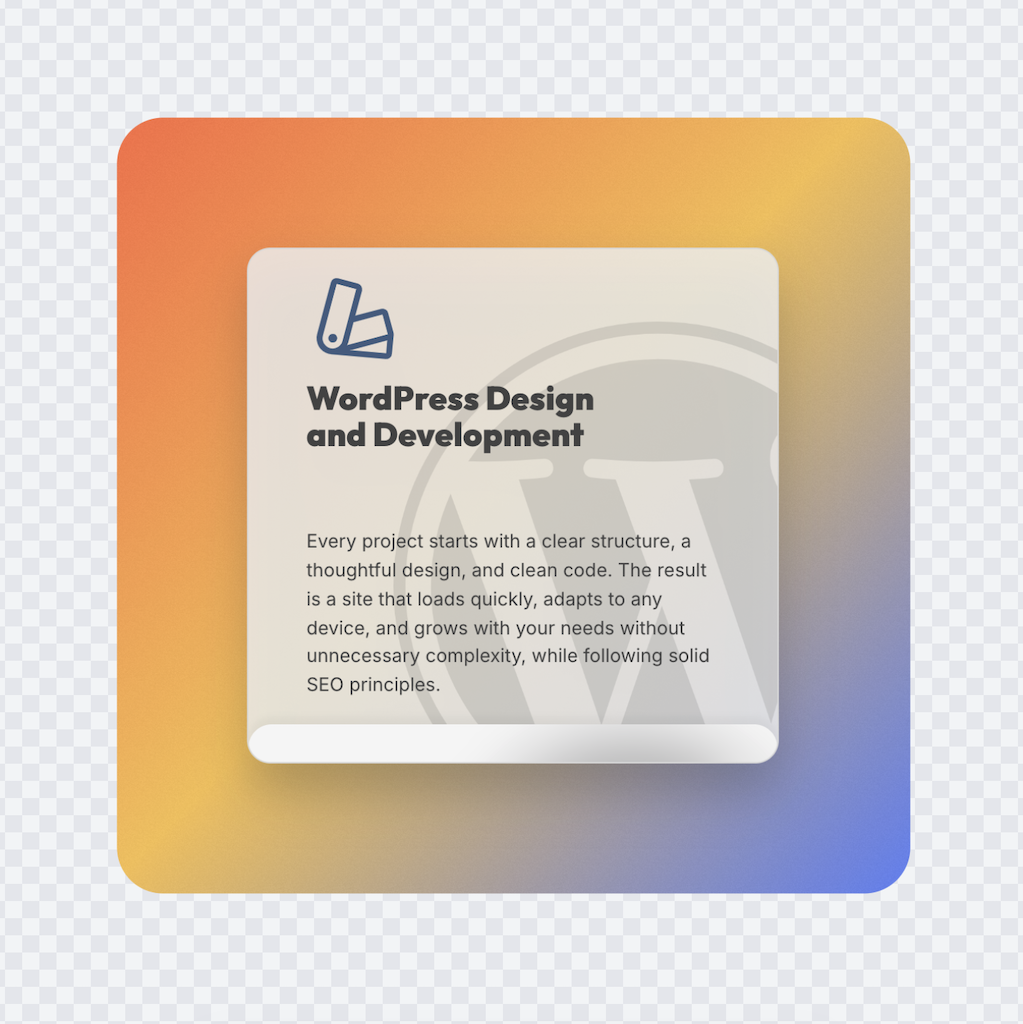
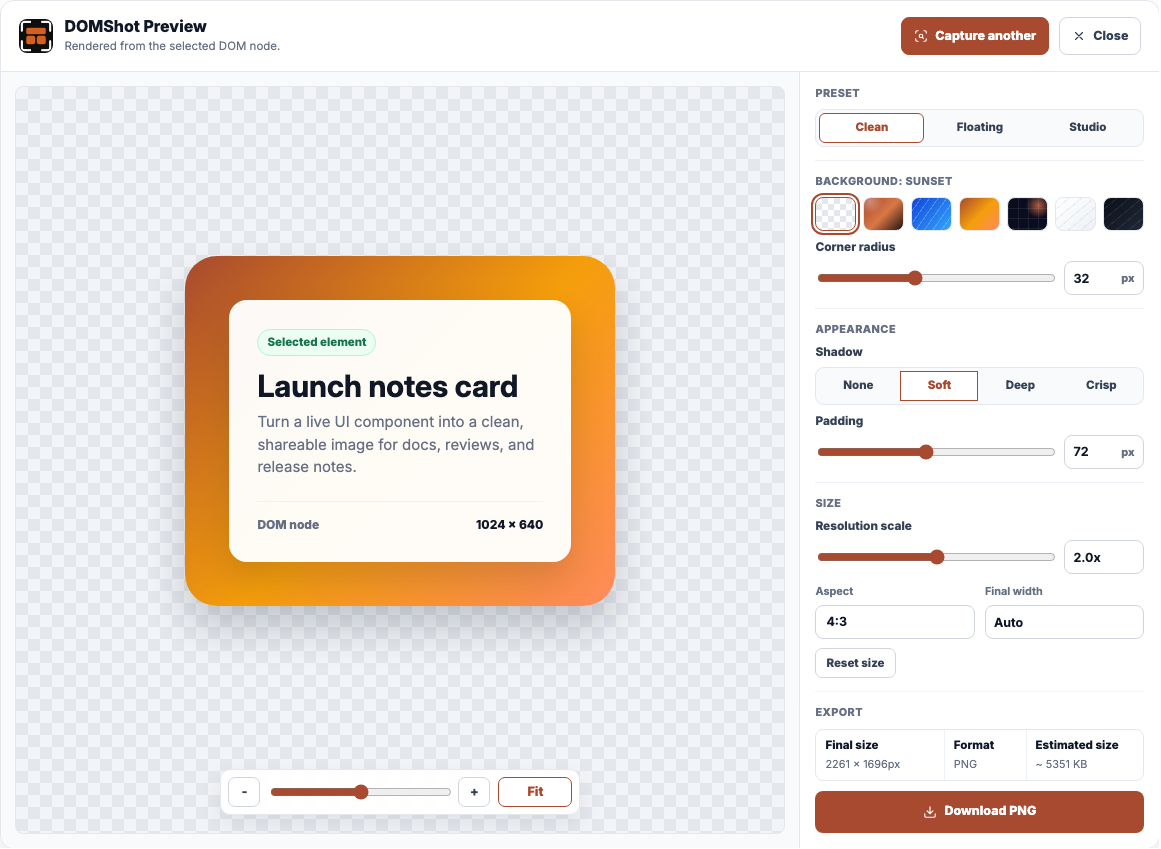
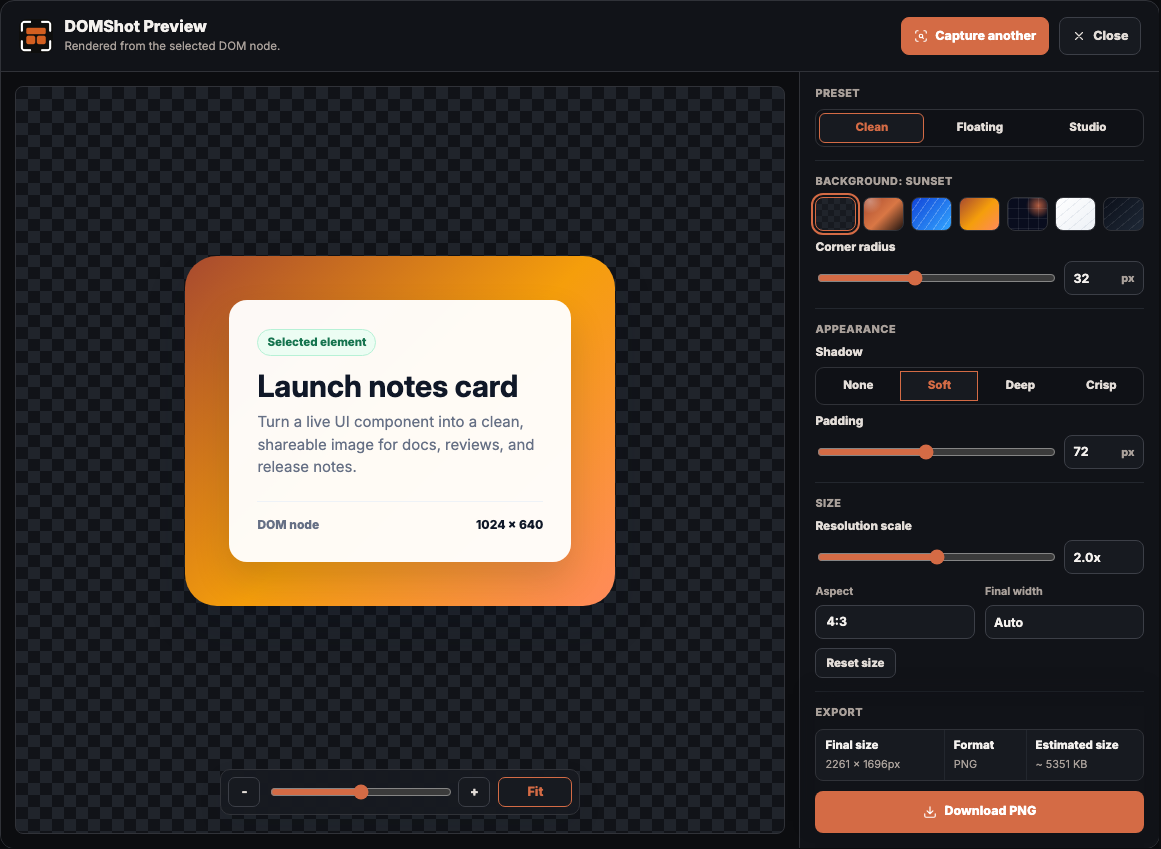
DOMShot Preview showing a selected webpage card prepared for PNG export.

A screenshot tool for the element, not the whole page.

DOMShot sits in your browser toolbar. When you need a crisp image of a card, modal, chart, component, or section, select it directly and export only that piece.

Clean captures

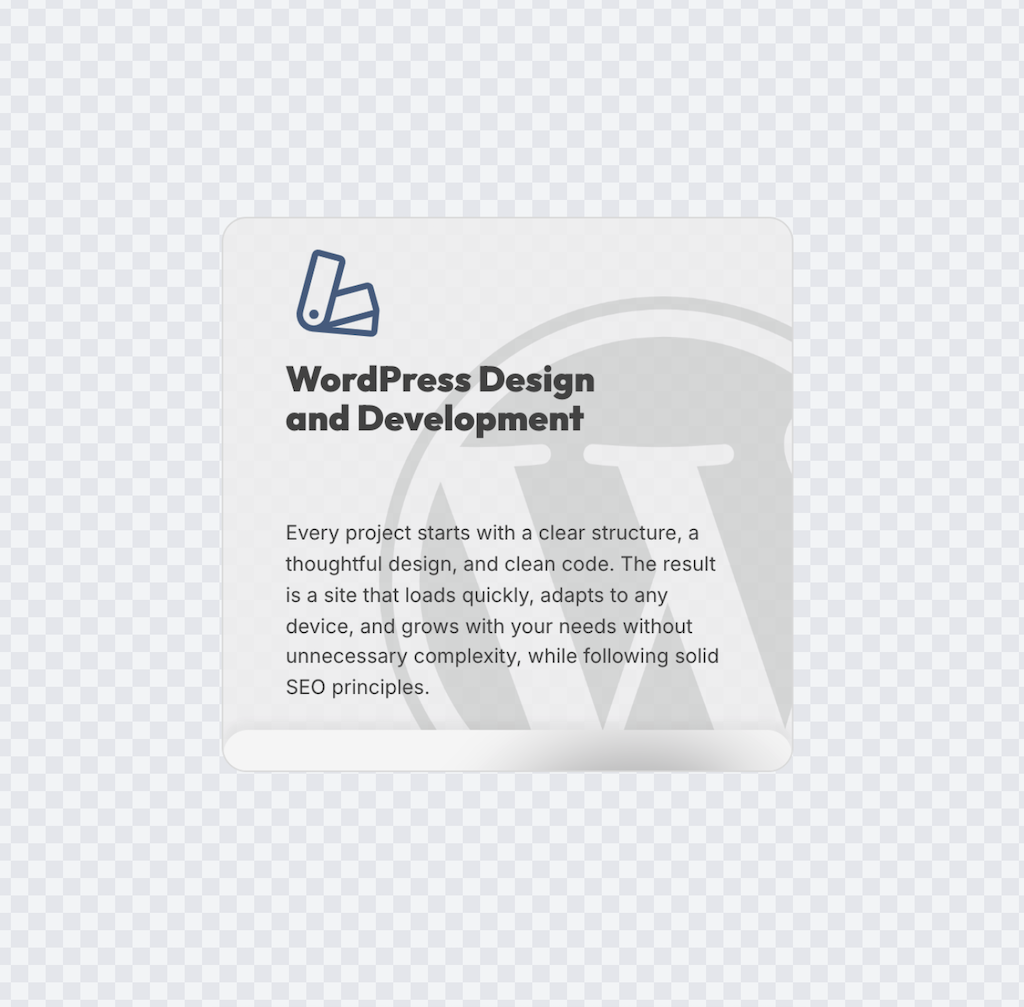
Capture selected DOM nodes with their visible styling, spacing, images, and text.

Styled exports

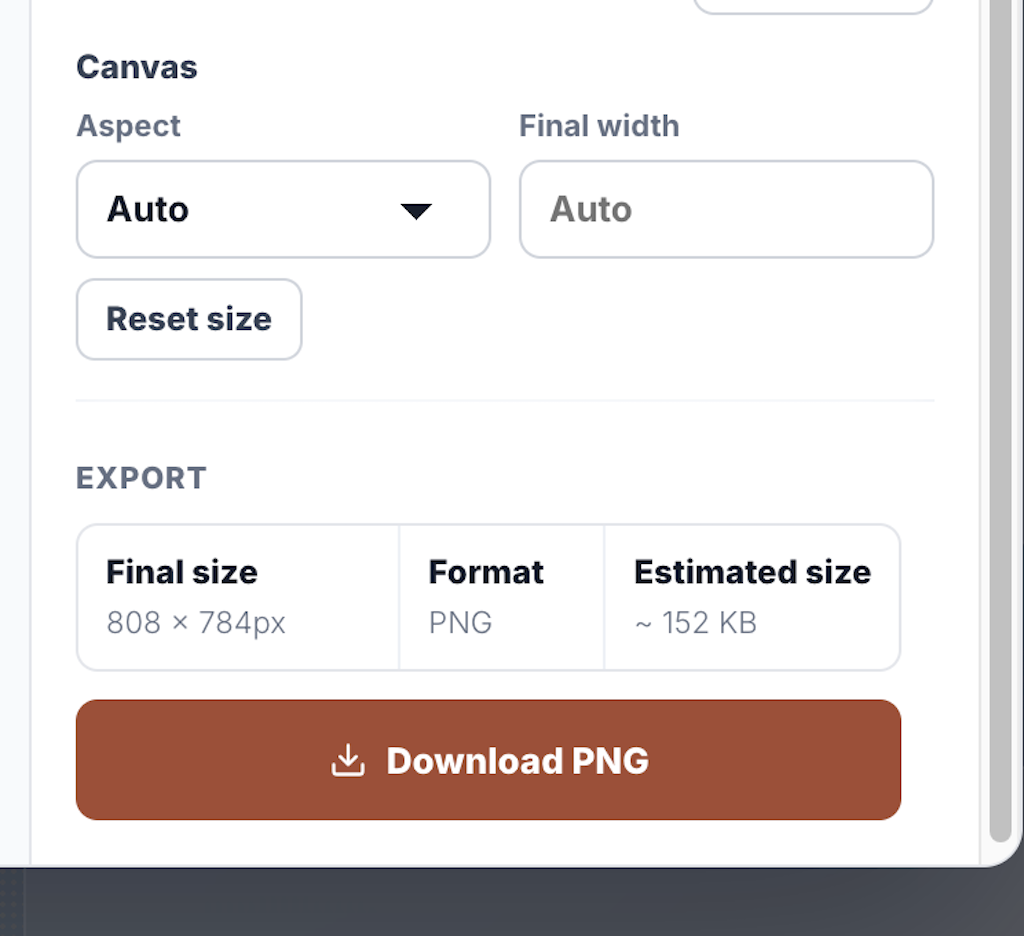
Add background, padding, radius, shadow, output size, and resolution before saving.

Browser-native flow

No upload workflow, design-file setup, or separate desktop app just to make a PNG.

How it works

Three focused steps from live page to finished image.

1

Select an element

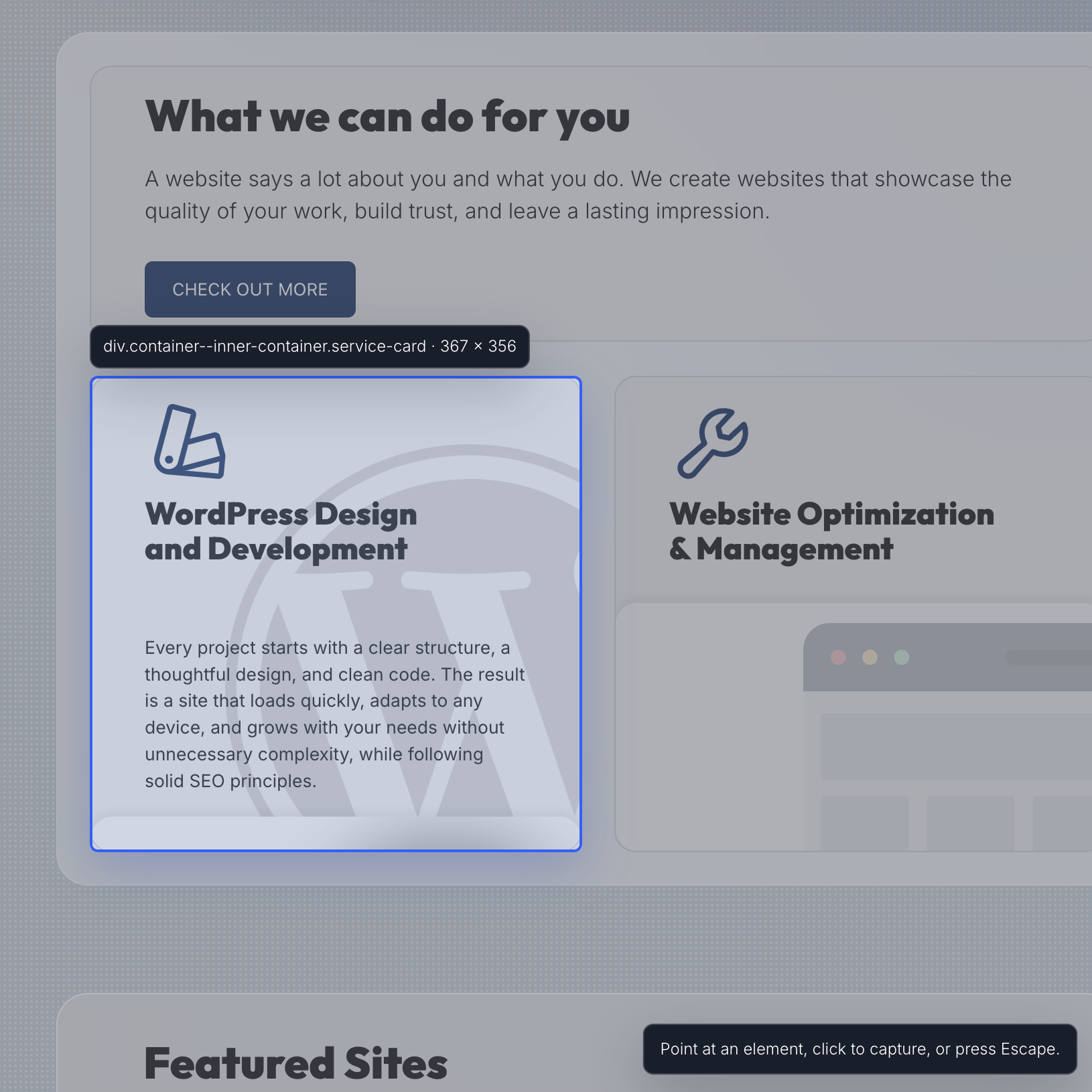
Open DOMShot, click Select element, then point at the visible page node you want.

2

Preview and customize

Review the capture in the DOMShot composer and tune background, shadow, padding, radius, and scale.

3

Download PNG

Save the final PNG to your computer when the image is ready for docs, social, handoff, or review.

Built for local capture.

DOMShot handles website content only when you start a capture and select a visible element. The preview is rendered locally in your browser, and the PNG is saved only when you click download.

Useful when a full screenshot is too much.

Designers

Save polished UI references and states straight from the browser.

Developers

Capture components, bug states, and release changes without cropping by hand.

Marketers

Turn live landing-page blocks, testimonials, and product moments into clean assets.

Product teams

Share focused UI evidence in docs, tickets, launch notes, and stakeholder updates.